Available now01
Point
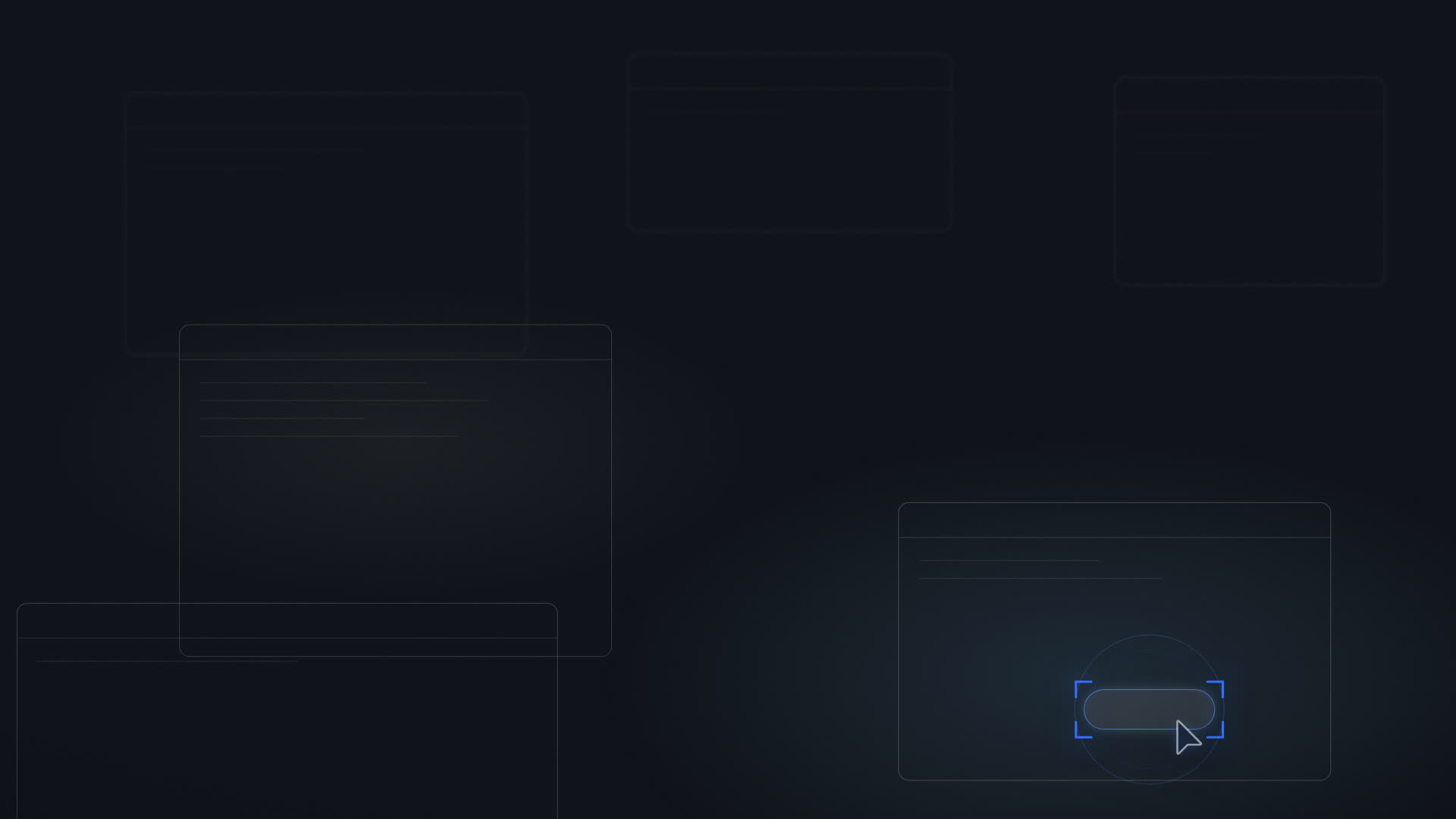
You keep the mouse. A second cursor lands on the exact control you need next and waits for you, then moves again as the screen changes.
In the download today.
The shortcut is the same, and so is the reading of your screen. What changes is how far Cursorly goes once it knows what you meant. Pointing is where it rests, and where it stays.
Signed installer.
One is live. Two are being built now.
You keep the mouse. A second cursor lands on the exact control you need next and waits for you, then moves again as the screen changes.
In the download today.
For the screens that don't need a route, they need a translation. Ask what a control does and the answer lands on the thing itself.
We're building this now.
For the days you don't want to learn the app. Hand the task over, clicks included, and carry on with something else while it runs.
We're building this now.
Not a marketing gesture. It changes what the program is allowed to do on your machine.
Most tools in this space treat control as a brake on something already moving. Here it is the other way round. Pointing is the default, and anything past it waits for you to turn it on.
Switch a mode on once and it stays on until you switch it off. What you won't get is a program that asks for more reach in the middle of a task.
Turning Do on does not retire Point. There will be days you want to learn the thing rather than have it done, and that day still works.
The full boundary is on what it won't do.
It gets things wrong sometimes. Tell us when it does.